BQCC 7'' Car Radio 2din HD Touchscreen MP5 Player Bluetooth 12V FM ISO Power Auxiliary Input Mirror Link Multimedia Player


BQCC 7'' Car Radio 2din HD Touchscreen MP5 Player Bluetooth 12V FM ISO Power Auxiliary Input Mirror Link Multimedia Player
SPECIFICATIONS
Brand Name: BQCC
Built-in CD player: No
Built-in DVD Player: No
Built-in Screen: Yes
Certification: CE,FCC
Choice: yes
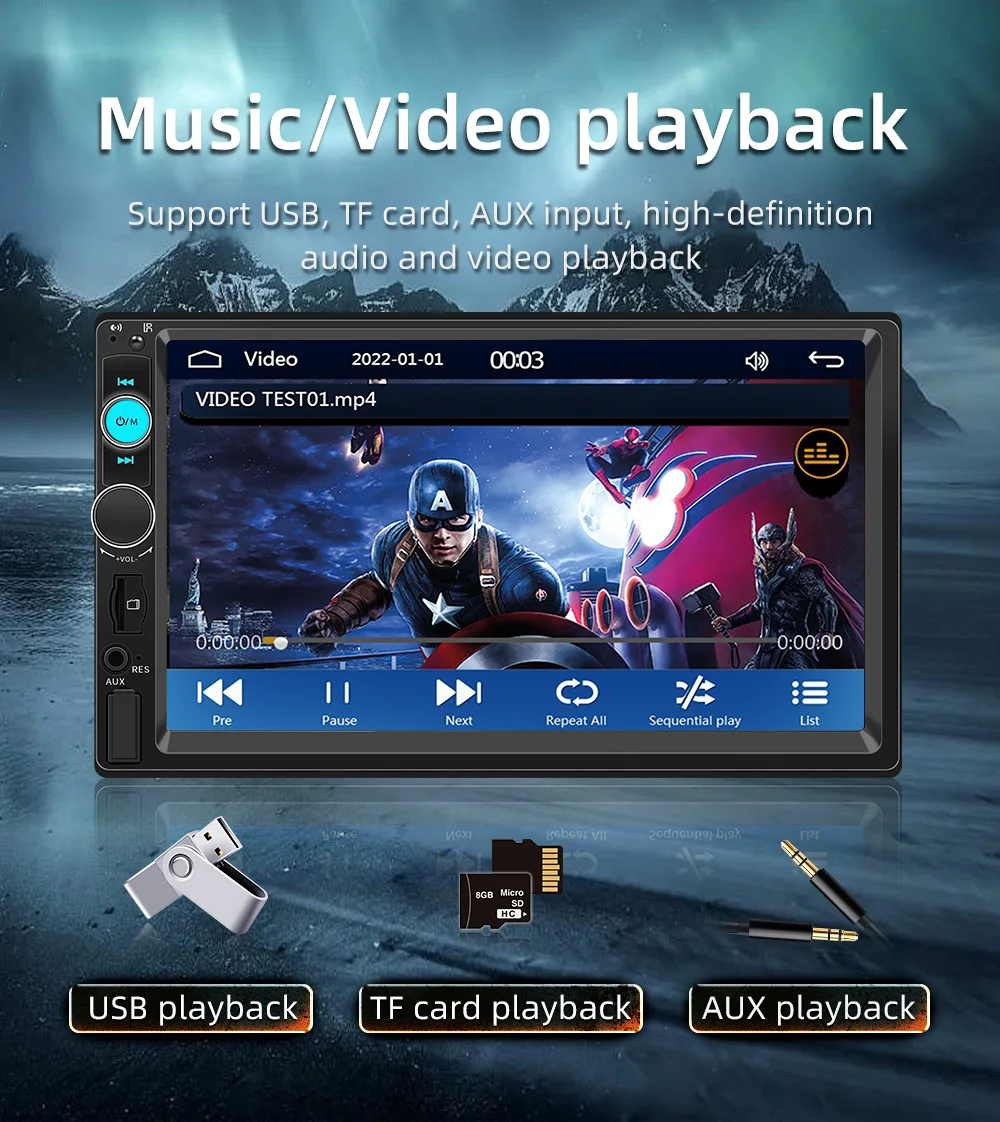
Digital Media Format: Mp3,MP4,WMA,JPEG
Din: Double Din
Display Size: 7"
For Vehicle Brands/Model: Universal
High-concerned chemical: None
Is touch screen: Yes
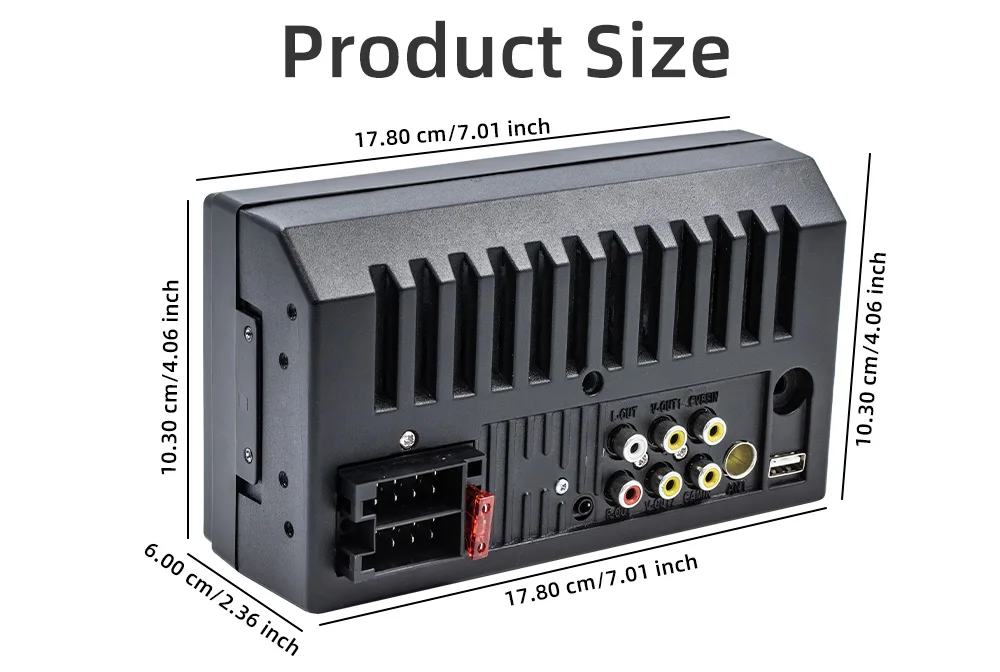
Item Size: 178x103MM
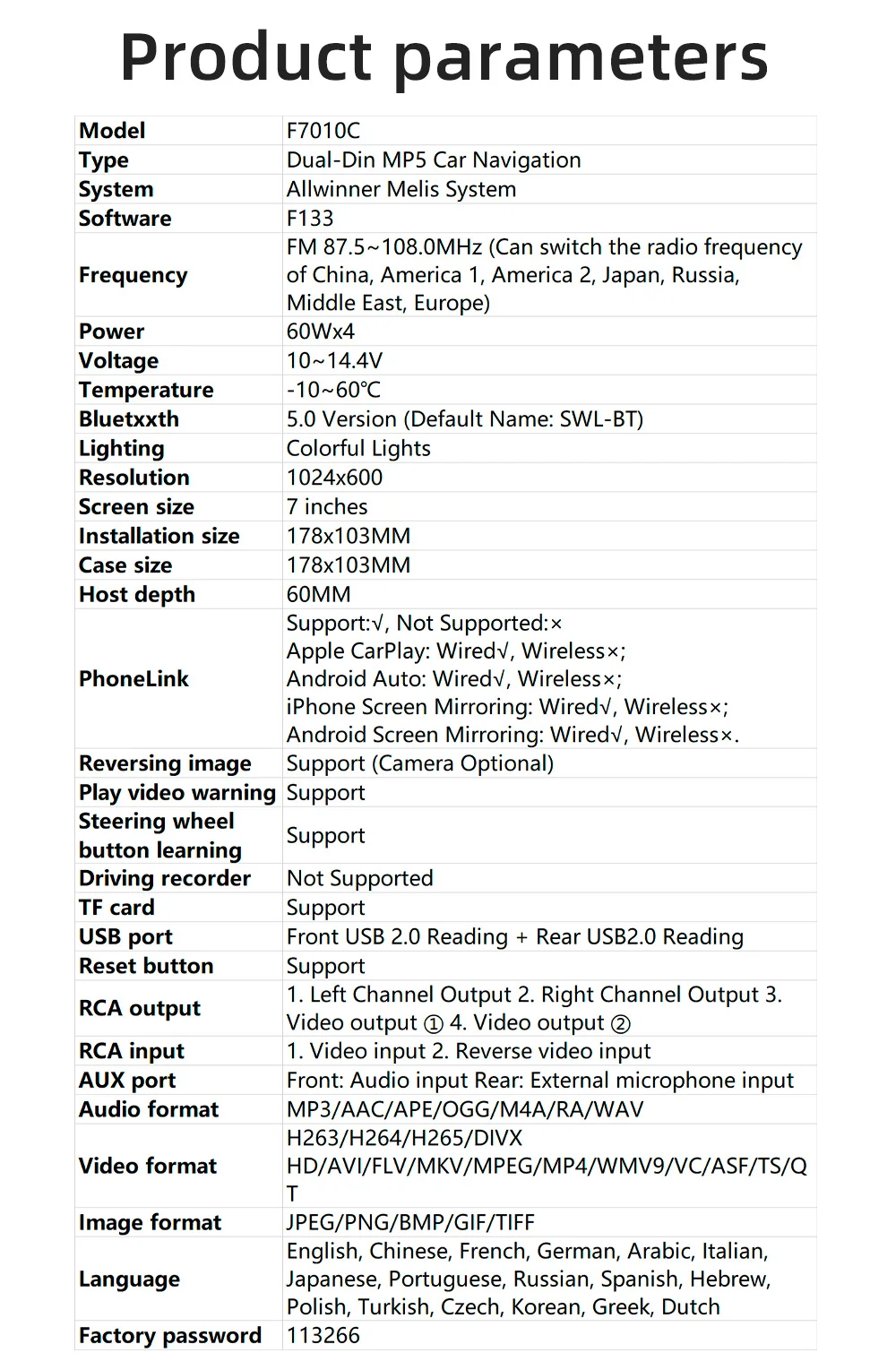
OSD Language: Chinese (Simplified),Chinese (Traditional),Arabic,Japanese,Ukrainian,Spanish,Italian
Origin: Mainland China
Out Power: 60Wx4
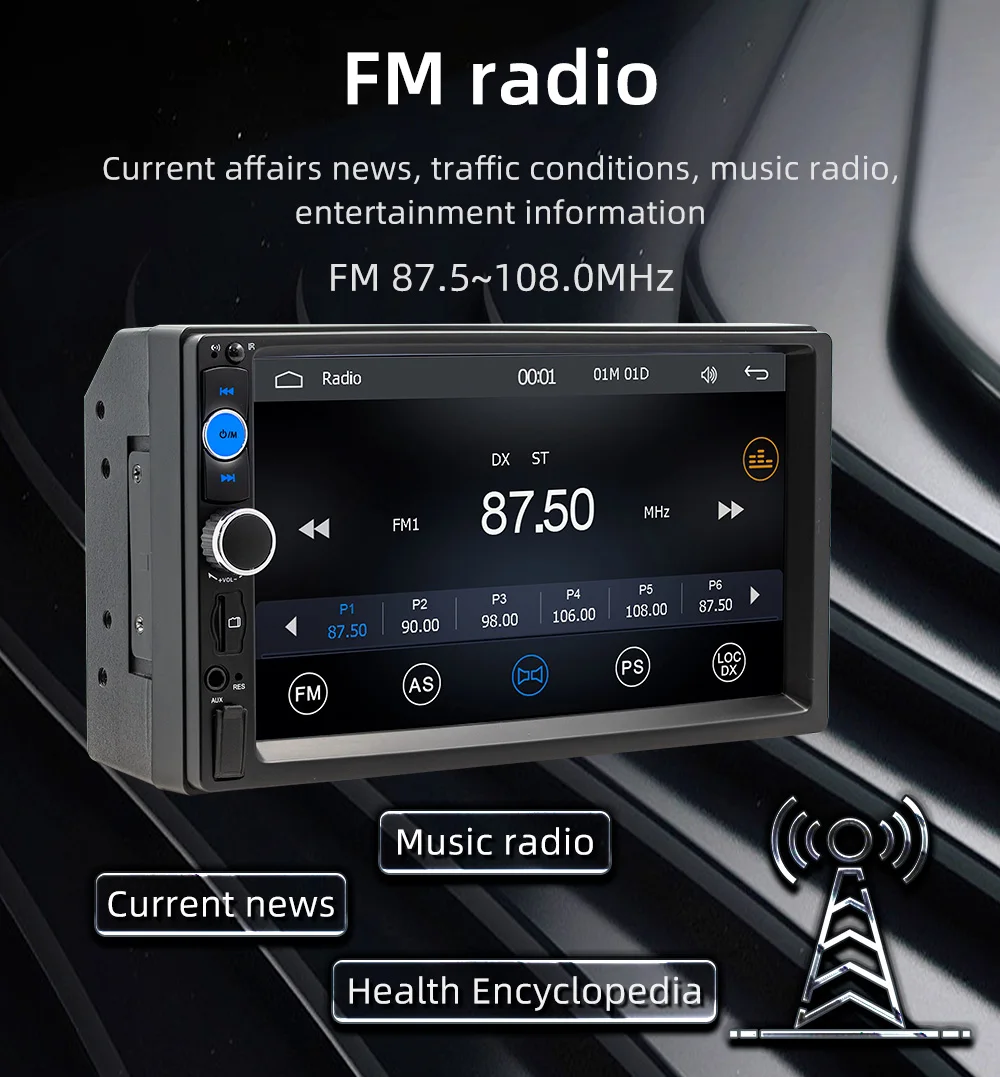
Preset Station: FM 87.5~108.0MHz
Resolution: 1024x600
Special Features: Charger,MP3 players,CarPlay,android auto,Reversing Input,Support steering wheel control
Voltage: 12 V
BQCC 7'' Car Radio 2din HD Touchscreen MP5 Player Bluetooth 12V FM ISO Power Auxiliary Input Mirror Link Multimedia Player
☆ Why choose BQCC?
1. Fast Delivery
After your payment is verified, our local European and American stores will ship from our local warehouses in the EU and the US within 24 hours. Whether you are in Europe or the US, our delivery service can meet your needs!
2. Quality Assurance
All our products go through strict quality checks before shipping. You can rest assured that the quality is top - notch!
3. Caring After - sales Service
If your product malfunctions within one year of receipt, don't worry. Just reach out to our 24 - hour customer service team first. Once verified, we'll send you a replacement right away!
4. BQCC Brand Introduction: BQCC is one of the top ten brands with more than 2 million fans. In the past ten years, we have served more than 5 million users worldwide and are deeply loved by customers. We are constantly committed to the innovation of car multimedia player radio hardware and software, aiming to bring you a unique and personalized experience. We also continue to update firmware, software, user interface and navigation map. If you encounter any product quality issues, please feel free to send an email to bqcc.cpyu@gmail.com. We will respond promptly and help you!
Function
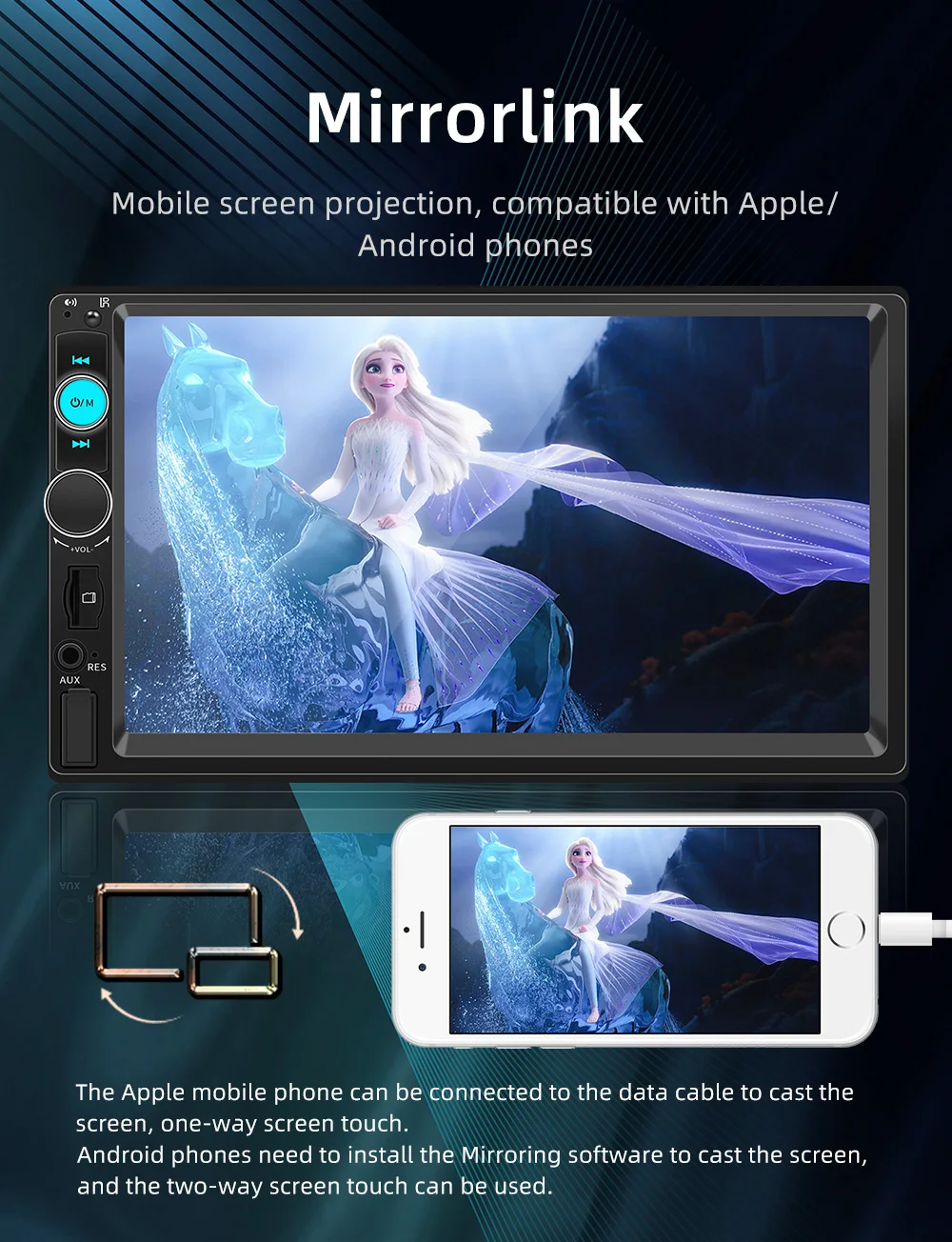
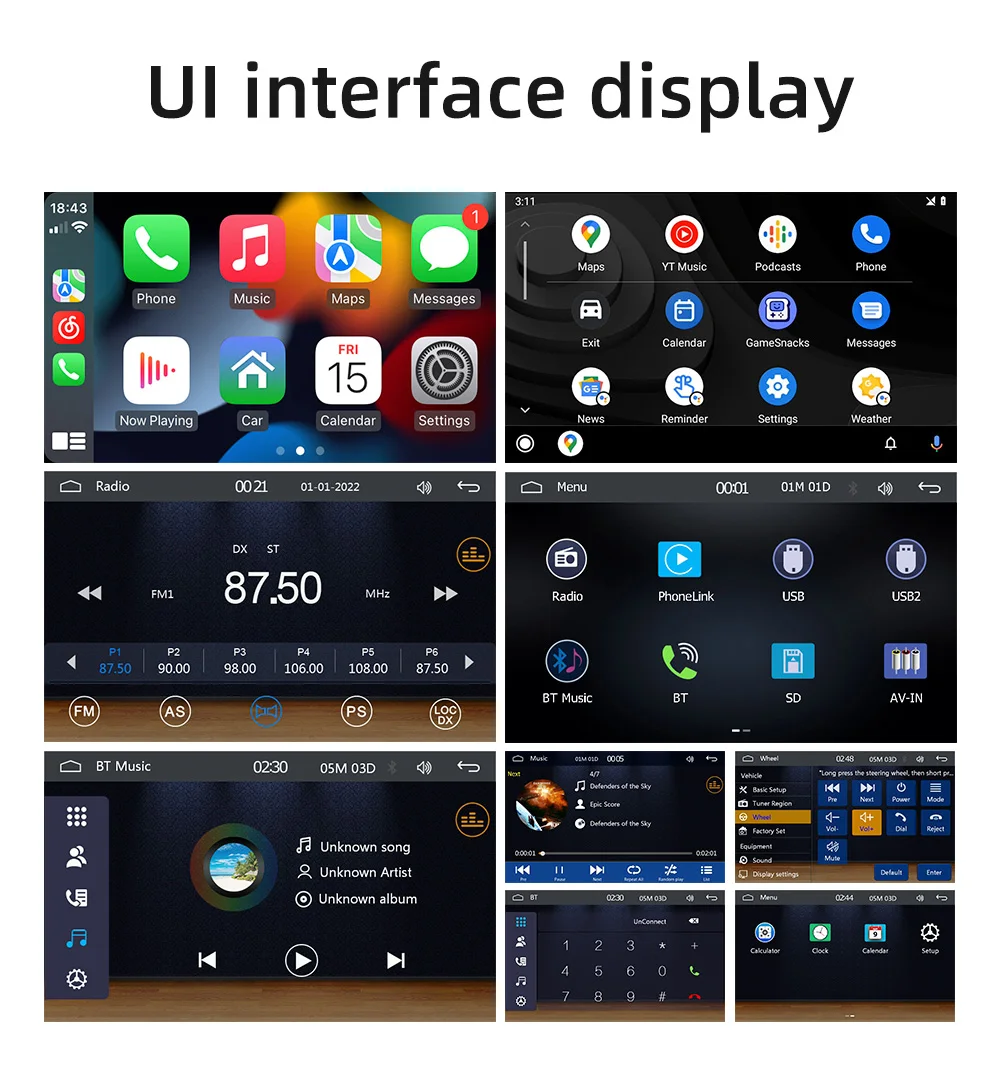
1. Support Android/ iPhone Mirror Link, through the phone's original USB line, Can synchronize to the dashboard screen, Android phones can realize one-way control, and iPhones can realize one-way control(Radio C)
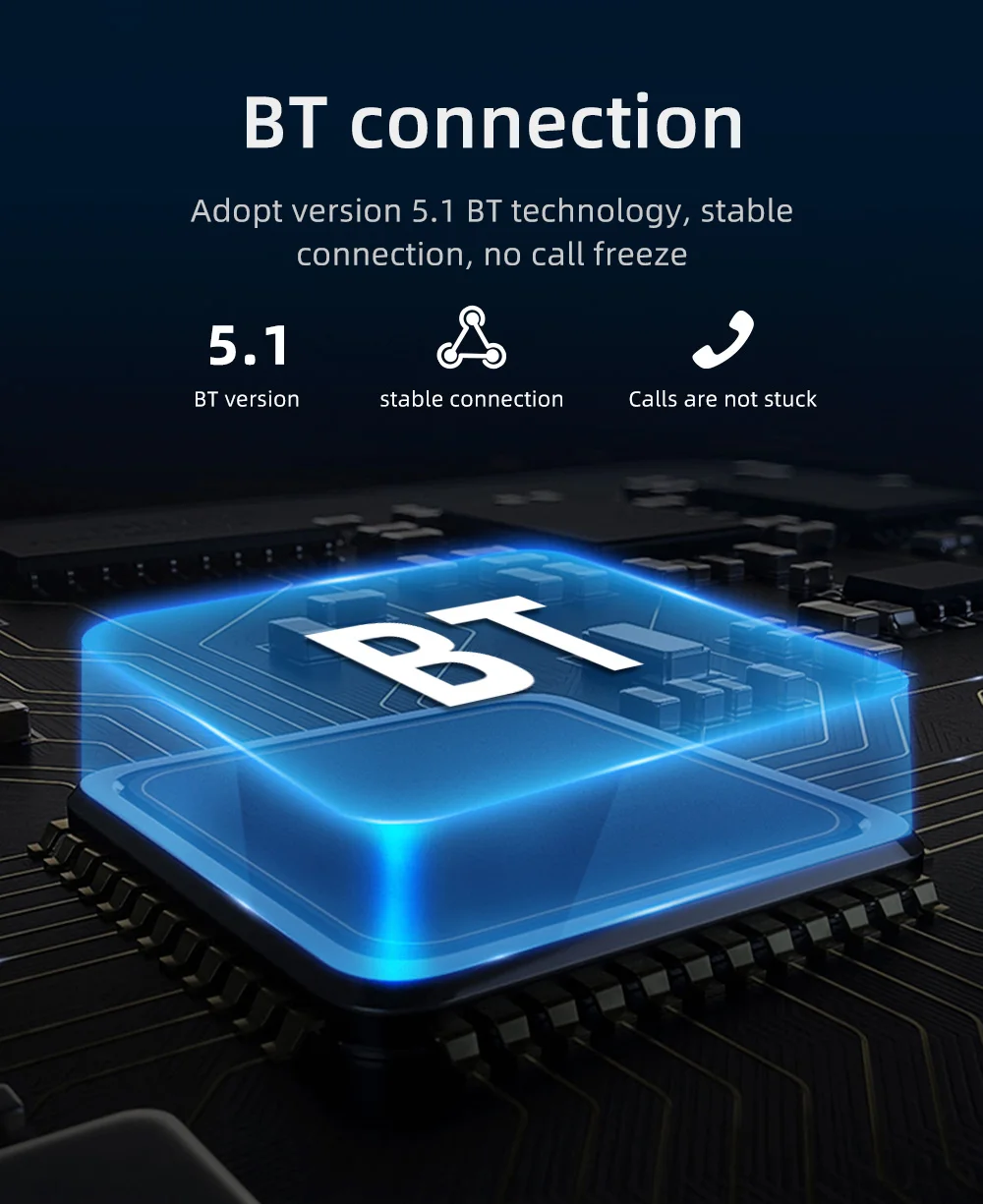
2. Built-in Bluetooth with A2DP/Hands-free calls/Play music/Phonebooks download
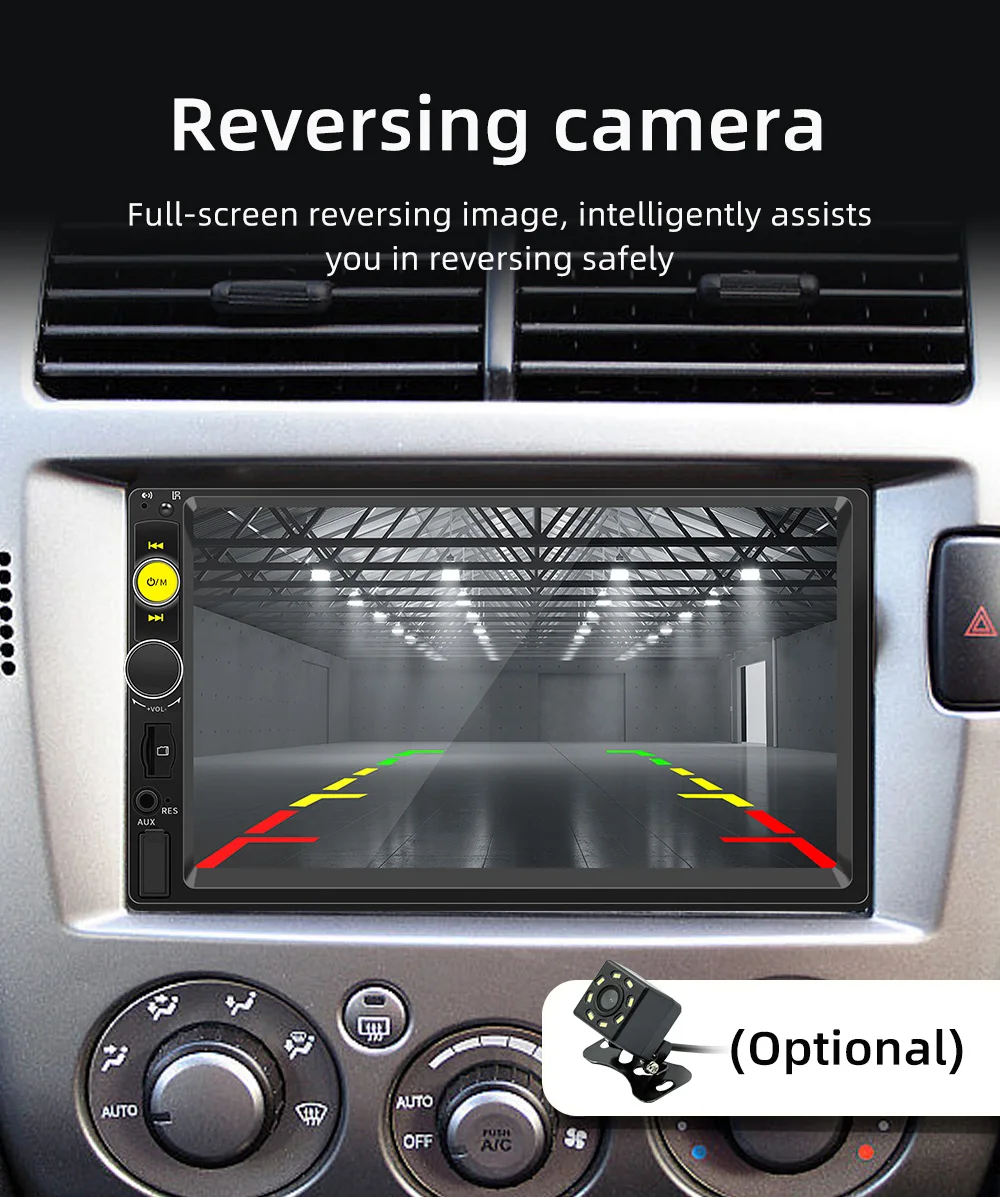
3. Rear view camera: Support rear view camera input, you can see the video on an MP5 screen through the rearview camera when reversing your car
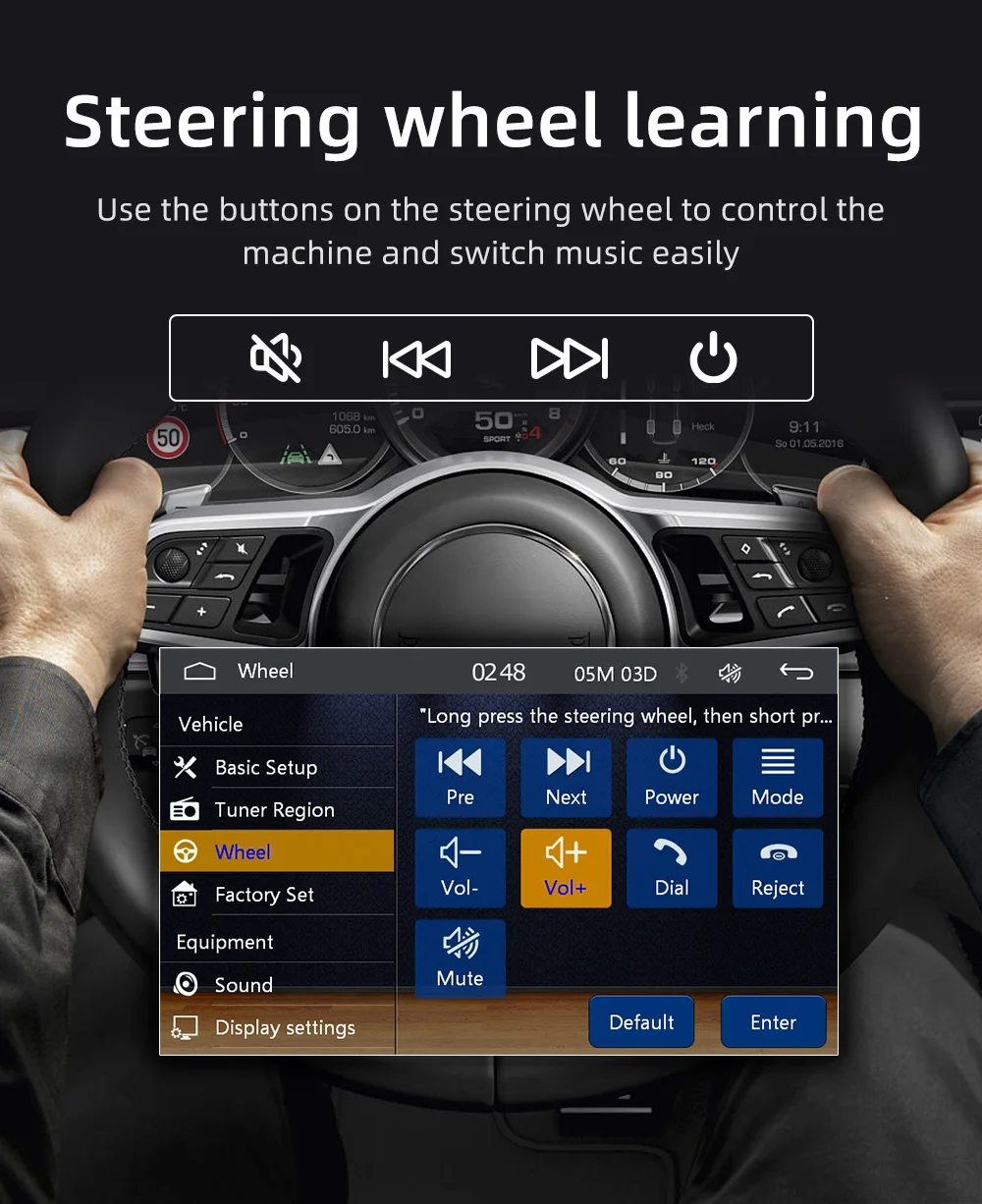
4. Steering wheel control: Quickly switch the functions that you want with your car's steering wheel
5. High-quality digital stereo FM radio, automatic channel search mode, semi-automatic and accurate adjustment method. listen to music, news, and traffic information, anywhere, and enjoy yourself
6. Flash drive/AUX playback: Support U disk to play, you only need to insert the U disk into the machine's interface for music playback support for external pull AUX (plug) input audio
7. TF card function: Support large memory TF card, you can download music or movies, play on this unit
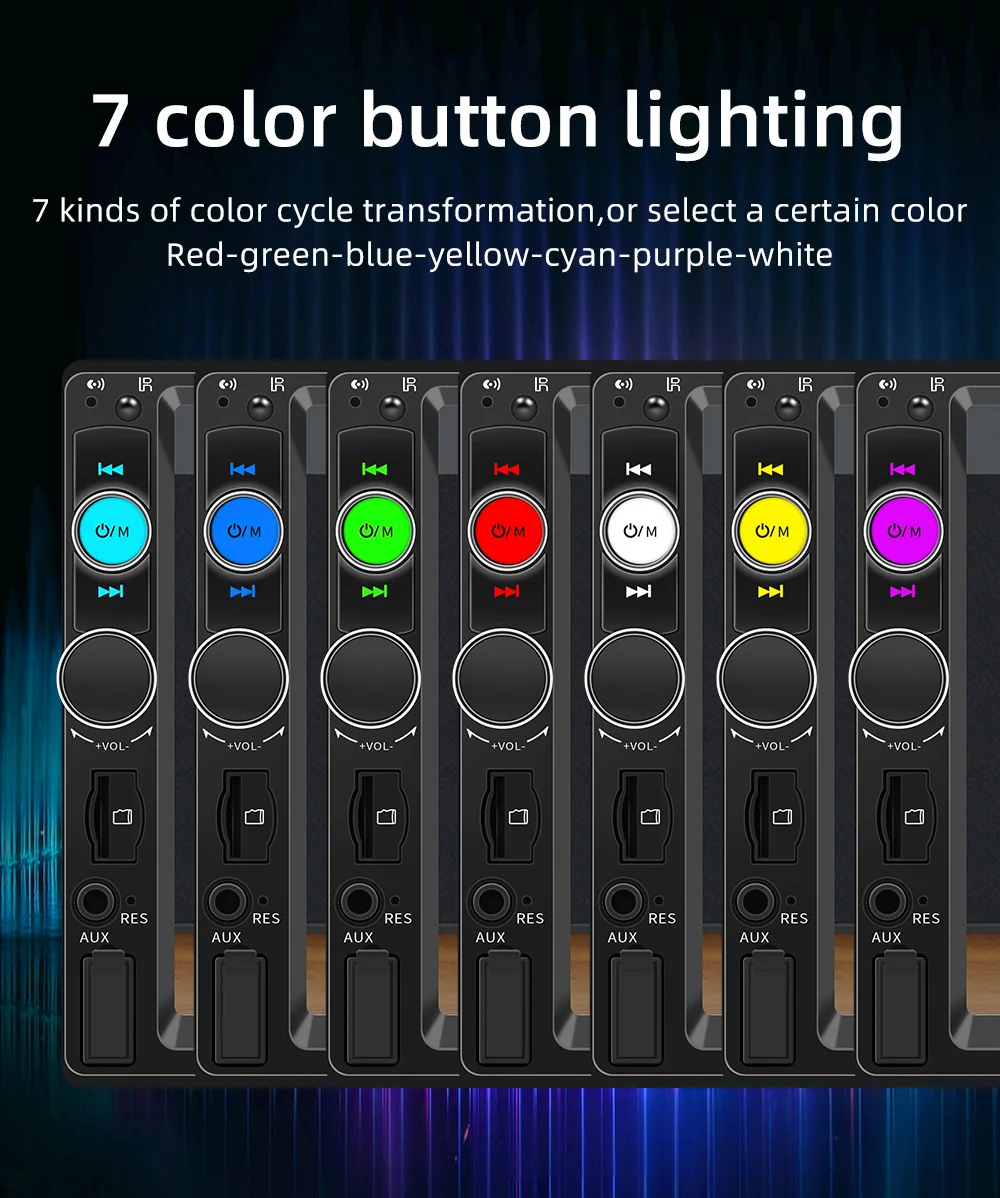
8. Colorful backlight settings, you can select your favorite color in the setup menu and decorate your car with matches
9. A Variety of EQ sound effects scene selection
10. Power-off memory function, the sound state of music or music during memory power-off
11.7'' HD touch screen: It provides instant video playback and more convenient operation
12. Support USB Phone charging: Don't worry about your phone running out of power again
13.Mobile phone APP function, positioning and car finding function (connect to the car machine through the mobile phone APP, and you can find the location where the car stopped when it was turned off and left on the mobile phone)
Radio B: Without Android Auto CarPlay
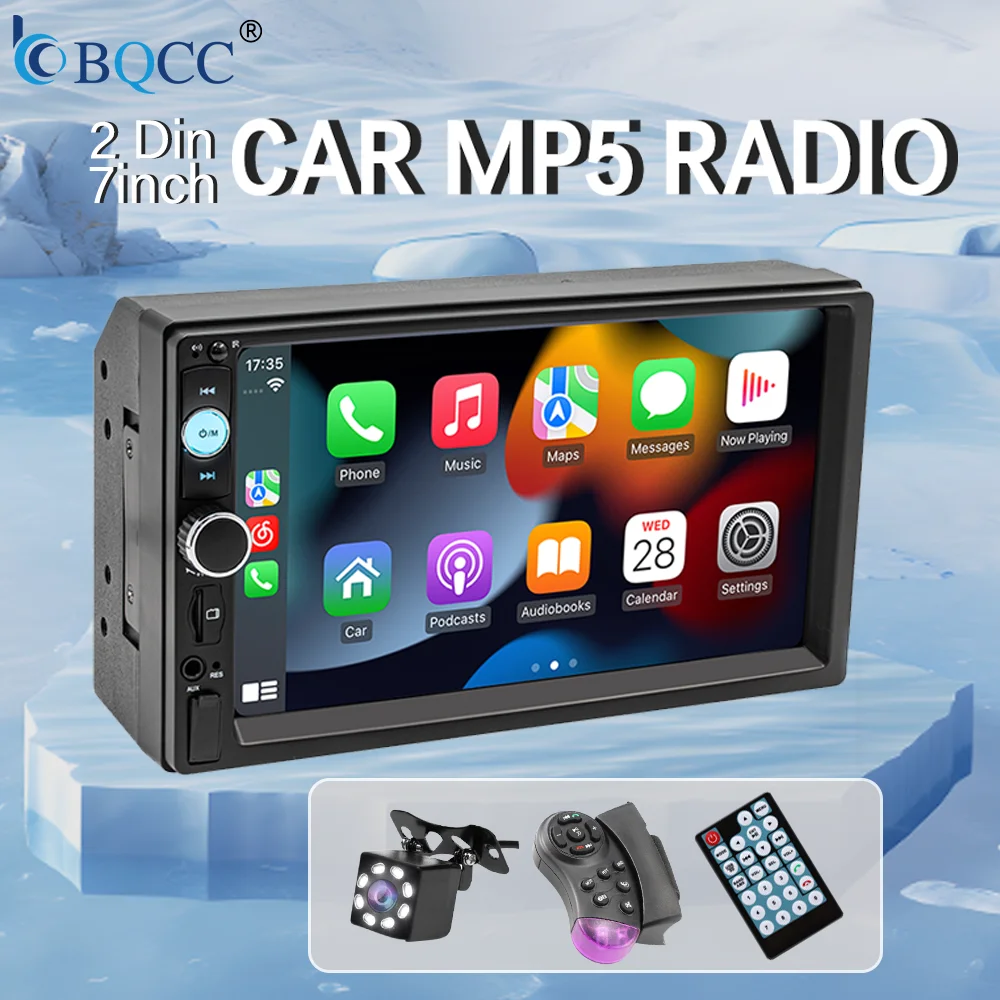
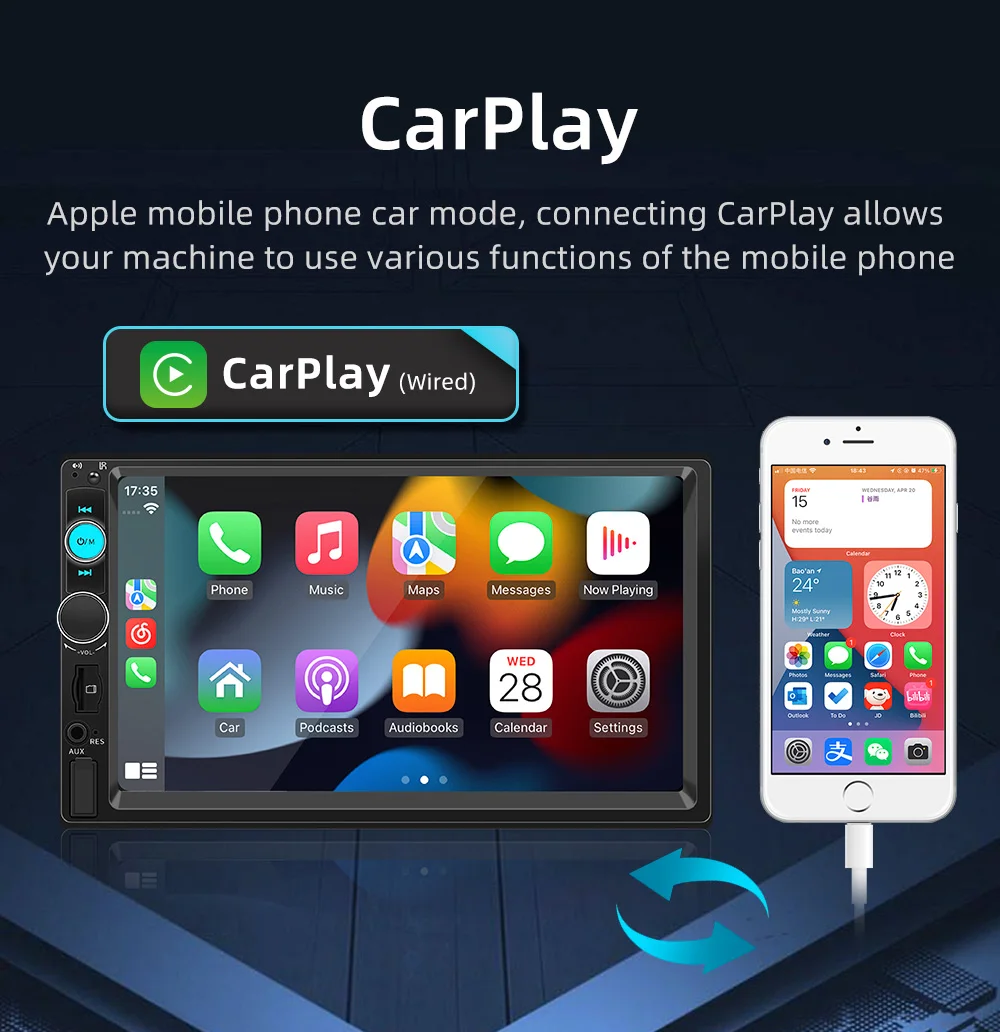
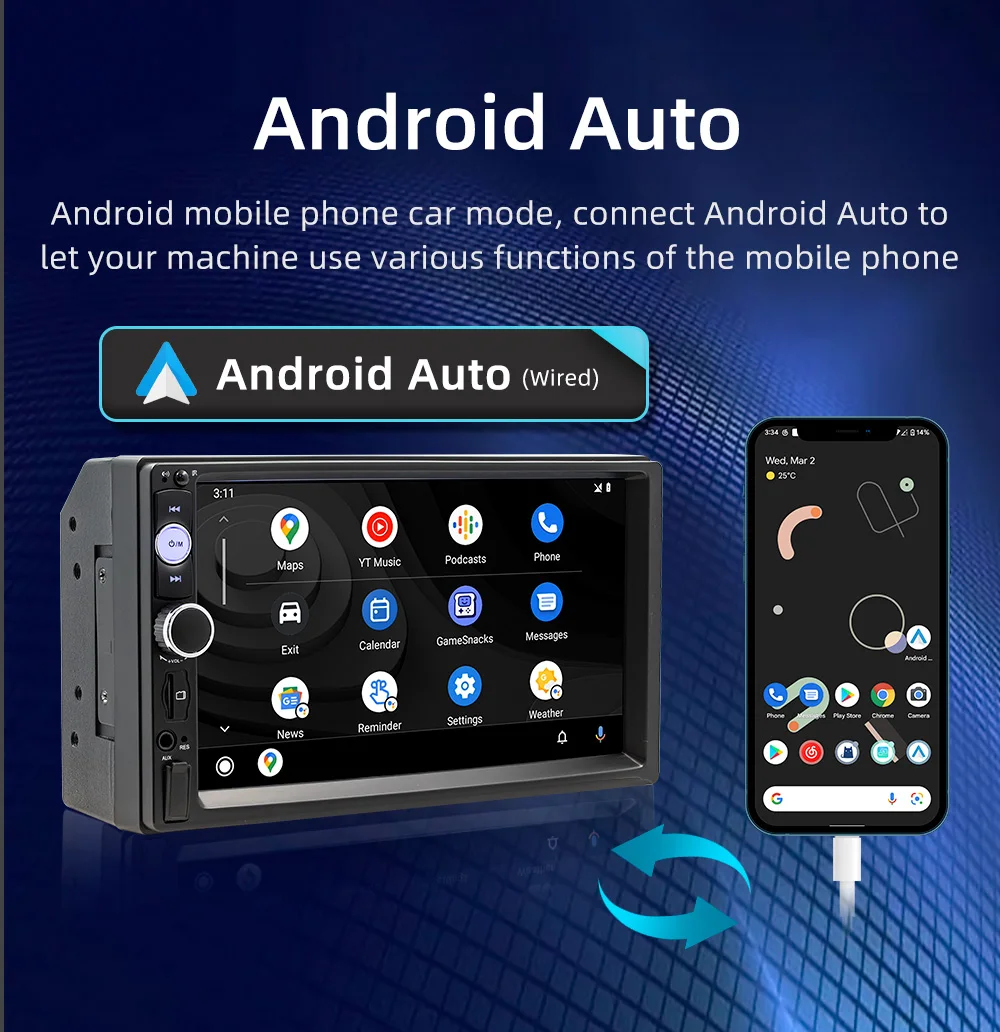
Radio C: With wired Android Auto CarPlay
Our product options are divided into those with wired Android Auto CarPlay and those without the above features. Please select
Q: It won't turn on, the screen won't light up or the screen won't turn off??
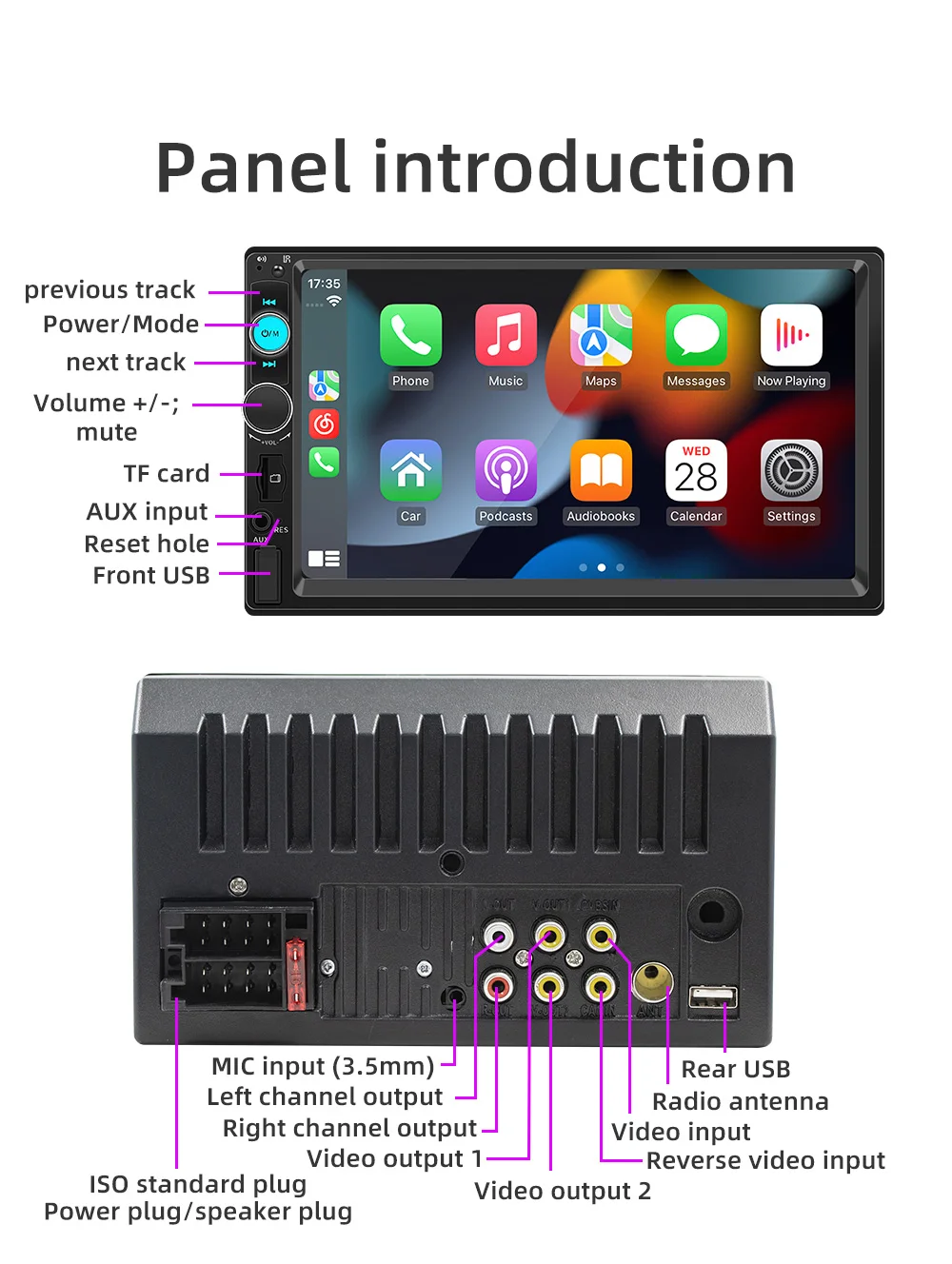
A: Please check whether the power cable of the machine is connected incorrectly or incorrectly. The normal wiring method is as follows: the yellow wire (B+) is connected to the 12V cable that is always active, and the red wire (ACC) is connected to the key cable of the original car. The method of judging the key cable is as follows: the key cable is 12V when the car is started and 0V when it is closed; Black connected with the negative pole; Check for blown fuses at electrical outlets in cars and machines.
Q: No sound from the horn?
A: Please check whether the horn wire of the machine is connected correctly. Please connect the horn of the original car strictly in accordance with the interface definition of the manual or the body label. Otherwise, the power amplifier chip of the machine may be damaged.
Q: Can't remember the last radio station and music you set?
A: Please check whether the red and yellow wires are reversed. Make sure that the yellow wire (B+) is always connected to the original car cable with 12V voltage, and the red wire (ACC) is connected to the original car key cable. The key cable is 12V when the car is started and 0V when it is closed.
Q: Can't read or play SD, USB music and videos?
A: Please use 8G or 16G storage card or USB flash drive. Some large-capacity storage devices may not support it. Format the storage device to ensure that the storage device's file system is the default value; Partially encoded video or music may not be recognized by the machine, please use common format media files.
Q: The Bluetooth connection fails, or some functions are abnormal after connection?
A: Please use your mobile phone to search for Bluetooth of the machine, the name is "CAR BT" or "CAR KIT"; Delete the devices that have been paired with but are not connected to the phone. Some Bluetooth devices that have been paired with each other may cause the phone's Bluetooth cannot be paired with other devices or its function is abnormal.
Q: How do I connect carplay and Android Car?
A: Search for the Bluetooth device "SWL-BT"
on your mobile phone. When you connect it for the first time, the mobile phone will pop up a prompt, please click to use or trust the device.
Q: How do I connect a mirror link?
A: Before the phone is connected, click on
phone Link function of the device, change the automatic connection option under the corresponding phone type to mirror, then connect the phone data cable, and click the corresponding authorization on the phone end to connect.
Q:Does Bluetooth connect to carpaly or Android auto automatically?
A:1. Some connected Bluetooth devices will cause our device to fail to jump automatically. Please clear all paired Bluetooth devices on the mobile phone, restart the mobile phone Bluetooth and the vehicle device, and re-establish the Bluetooth connection.
2. Click on the interface and make sure that the carplay
switch is on the "carplay" option. 3, click Settings - Basic Settings- Restore factory Settings.
A: The above involves disassembly and circuit
problems, please seek professional operation, so as to avoid damage to your car.