BQCC 1 Din Car BT MP3 Radio Handsfree Find a Car FM SD Power Protection Voice Broadcast Autostereo AUX USB Multimedia car player


BQCC 1 Din Car BT MP3 Radio Handsfree Find a Car FM SD Power Protection Voice Broadcast Autostereo AUX USB Multimedia car player
SPECIFICATIONS
Amplifier IC: TDA8200
Audio format: MP3/WMA/WAV/FLAC/APE
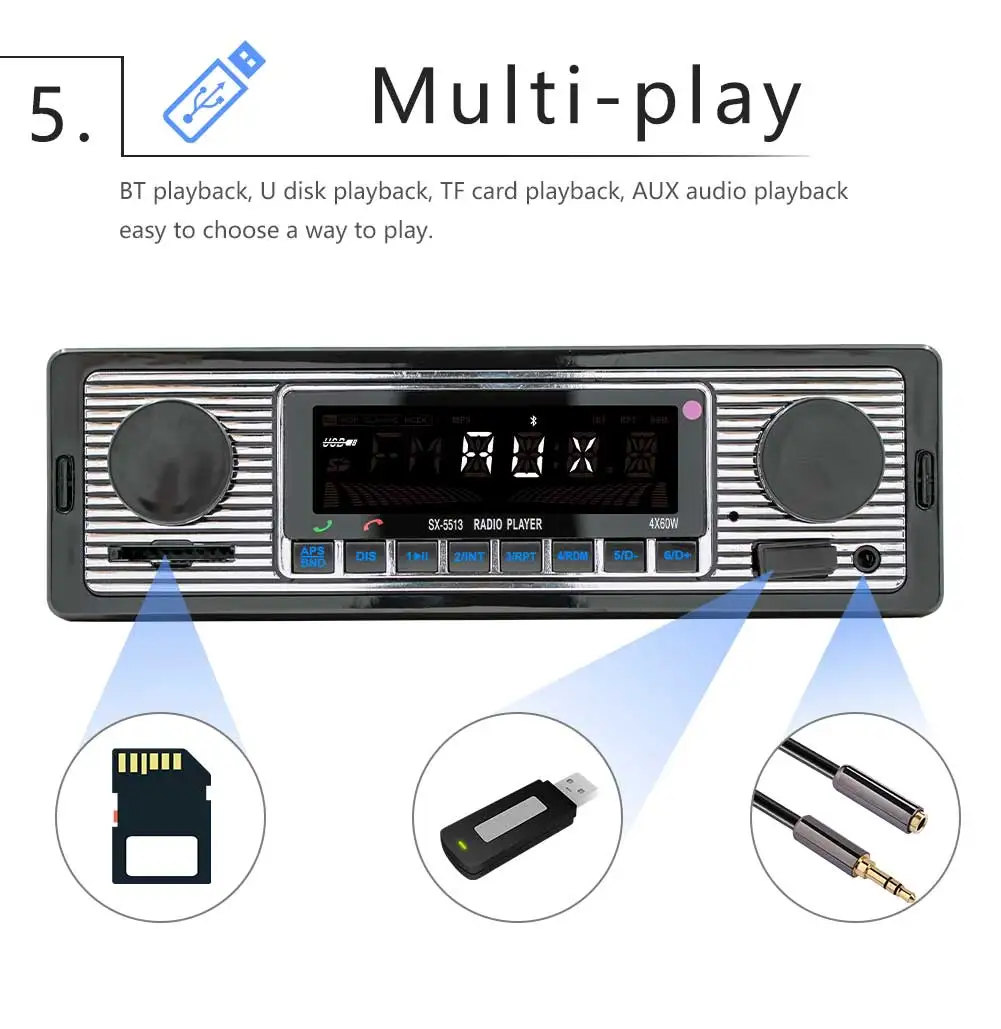
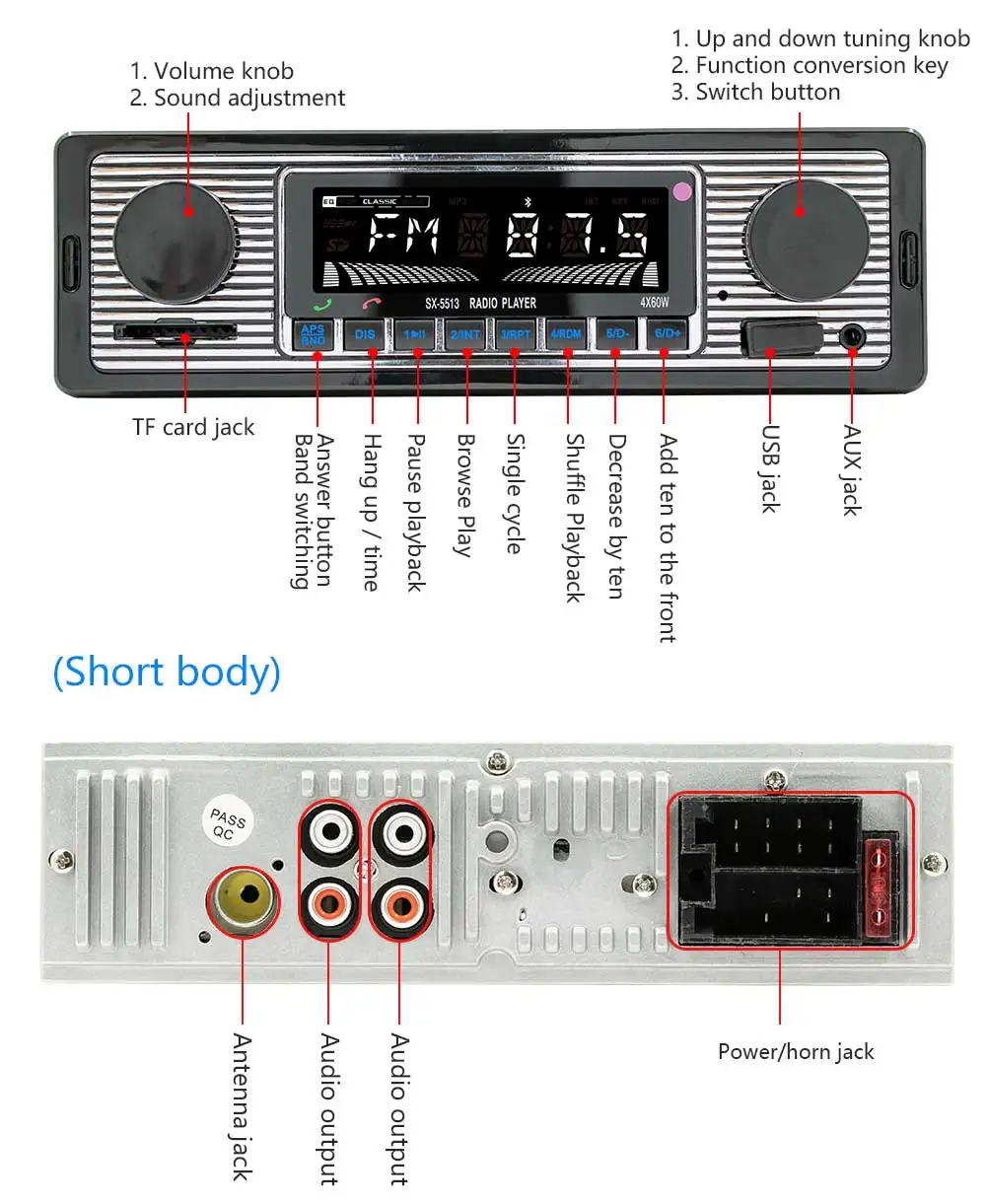
Audio input: Front AUX input (left channel + right channel)
Audio output: 4 channels (2 left channels + 2 right channels)
Bluetooth version: 5.0 version (default name: CAR BT)
Brand Name: BQCC
Choice: yes
Display Size: 2.5"
Item Size: 187*65*57mm
Item Weight: 0.5
Material: Plastic/Metal/Electric
Model Name: SX-5513
OSD Language: English
Origin: Mainland China
Out Power: 4x60W
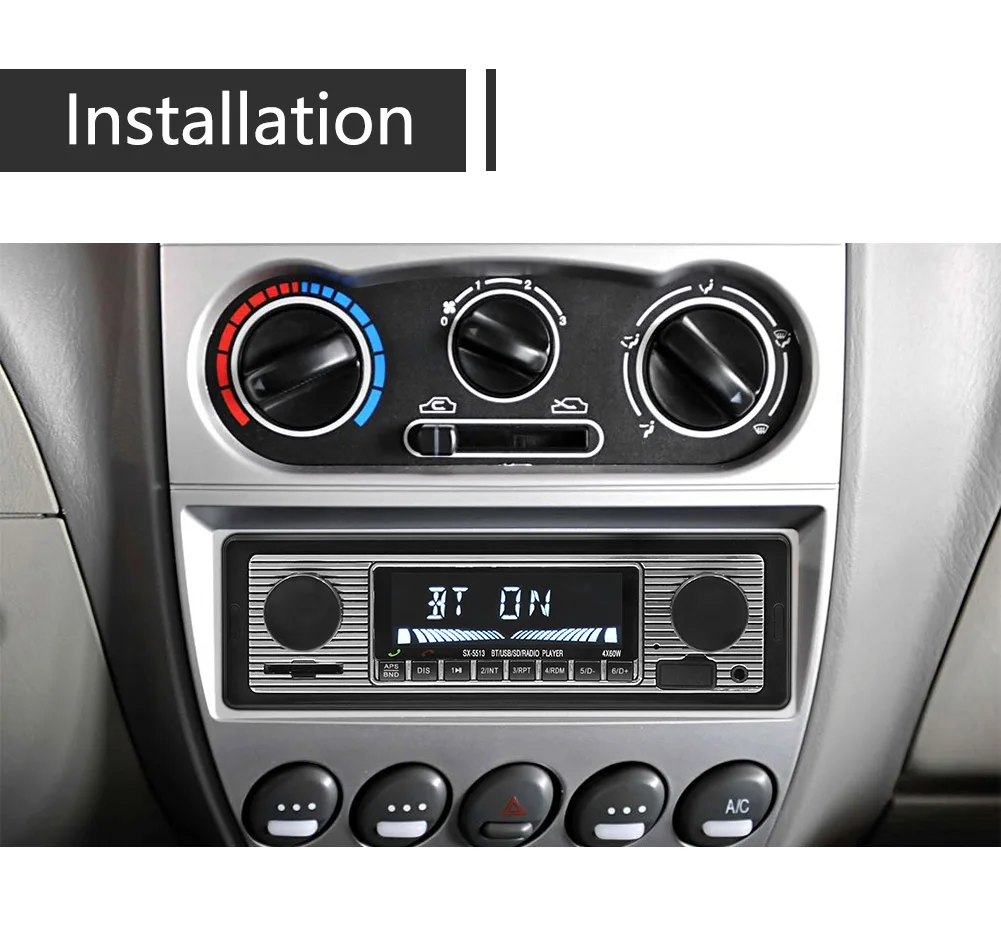
Placement: In-Dash
Radio IC: Chip integration
Radio Response Bandwidth: FM 87.5~108MHz
Screen size: LCD display (72X22)
Software solution: 5301
Special Features: Radio Tuner
Type: Car MP3
Voltage: 12 V
BQCC 1 Din Car BT MP3 Radio Handsfree Find a Car FM SD Power Protection Voice Broadcast Autostereo AUX USB Multimedia car player
Loving life, loving shopping.


☆Tips:
1.The installation requires a little knowledge of electronic products. Please install it with the help of professional;
2. After receiving the product, please try to check whether the machine is normal, and then install it (testing method: connect red and yellow lines to the positive pole and black line to the negative pole of the 12V power supply). When installing, please be careful not to connect the line incorrectly, so as not to affect the normal use. When connecting speaker wires, pay attention to the positive and negative poles.
3.This product is an Android system, you can download the required software including maps, very convenient

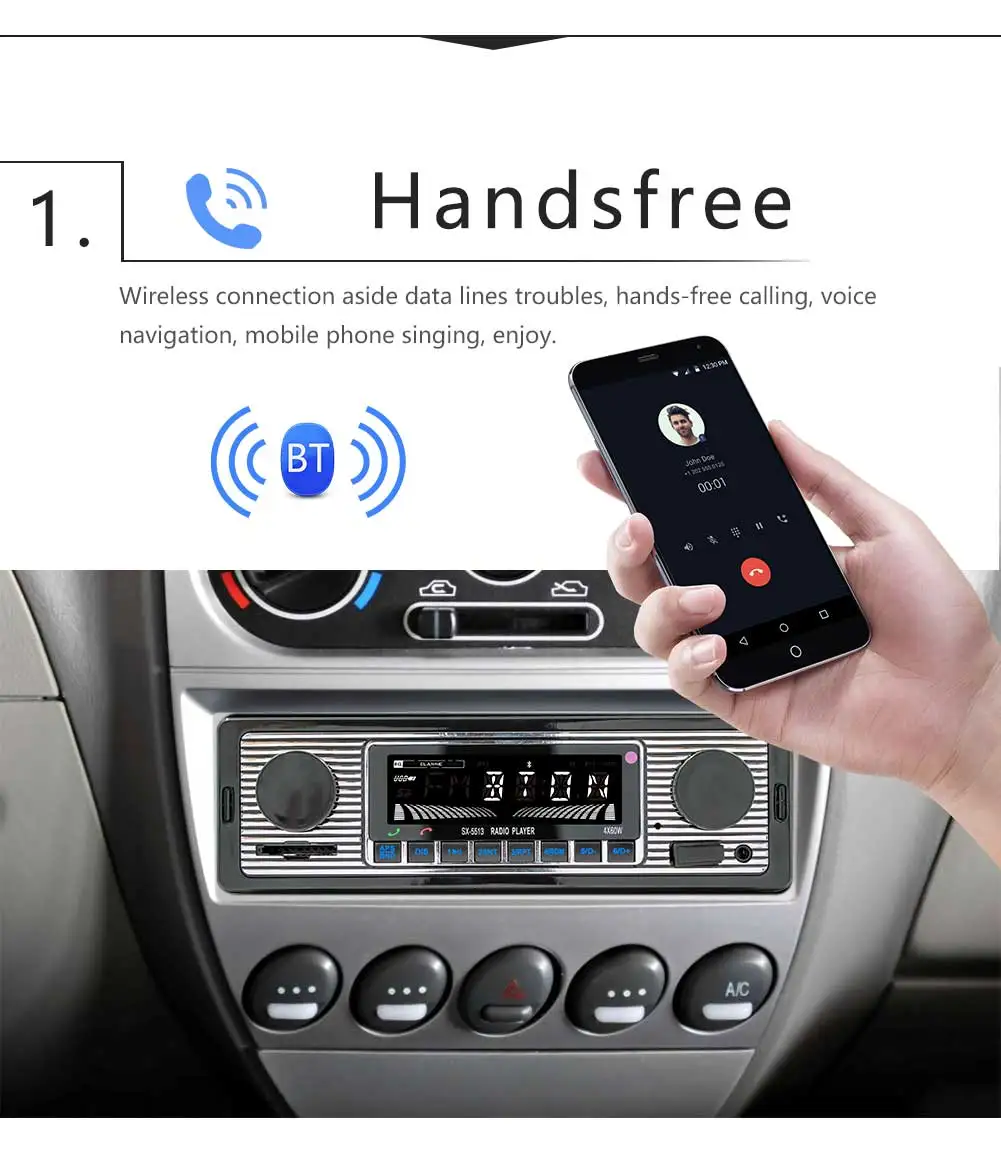
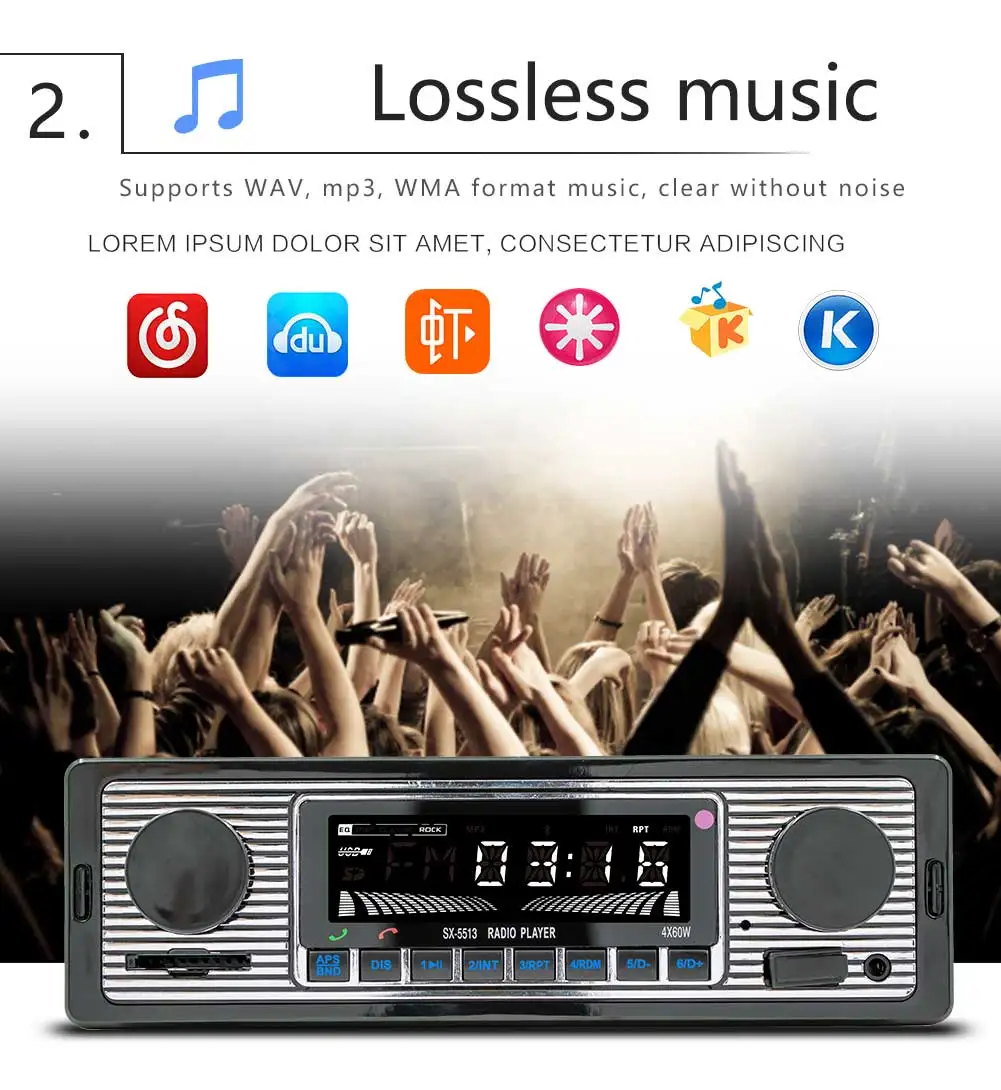
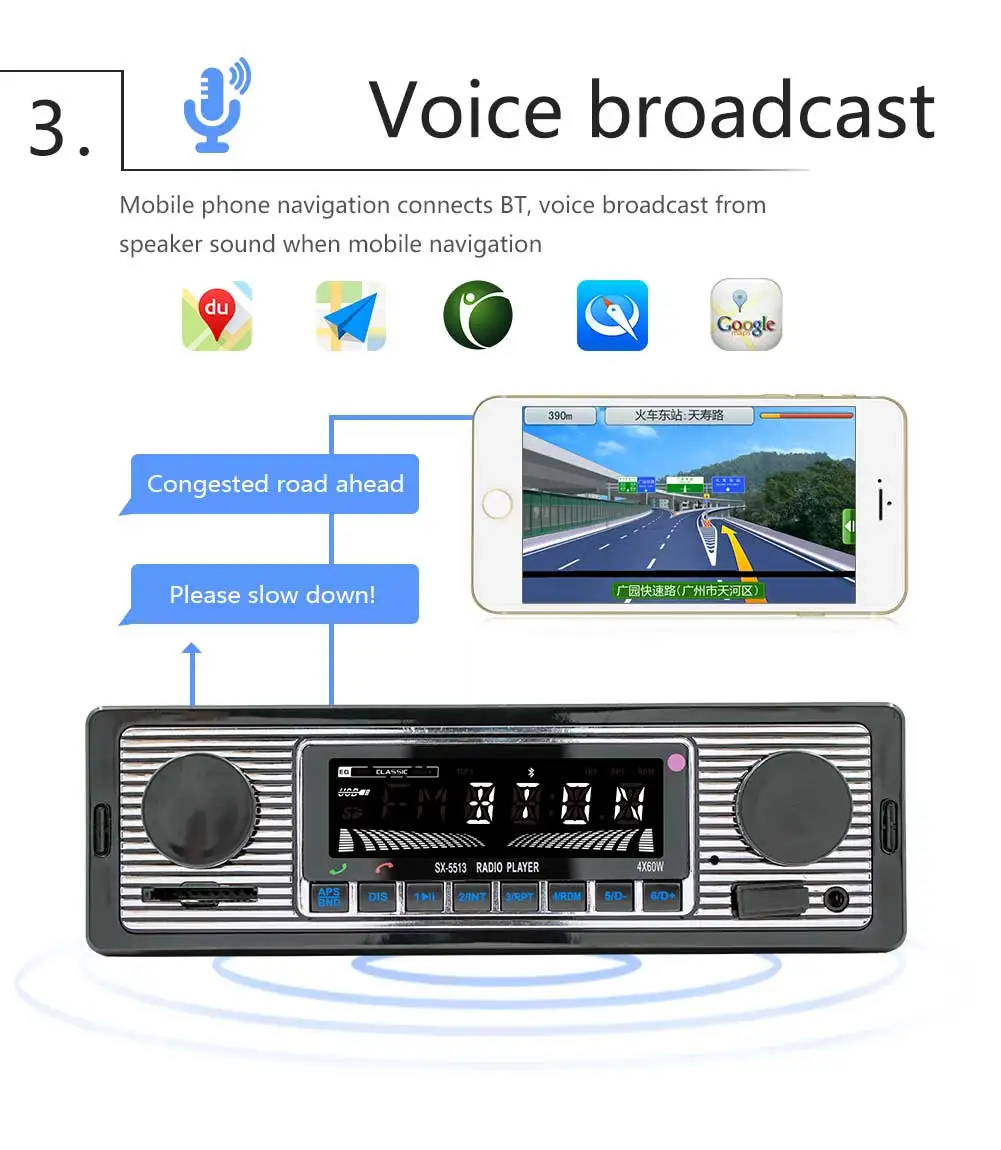
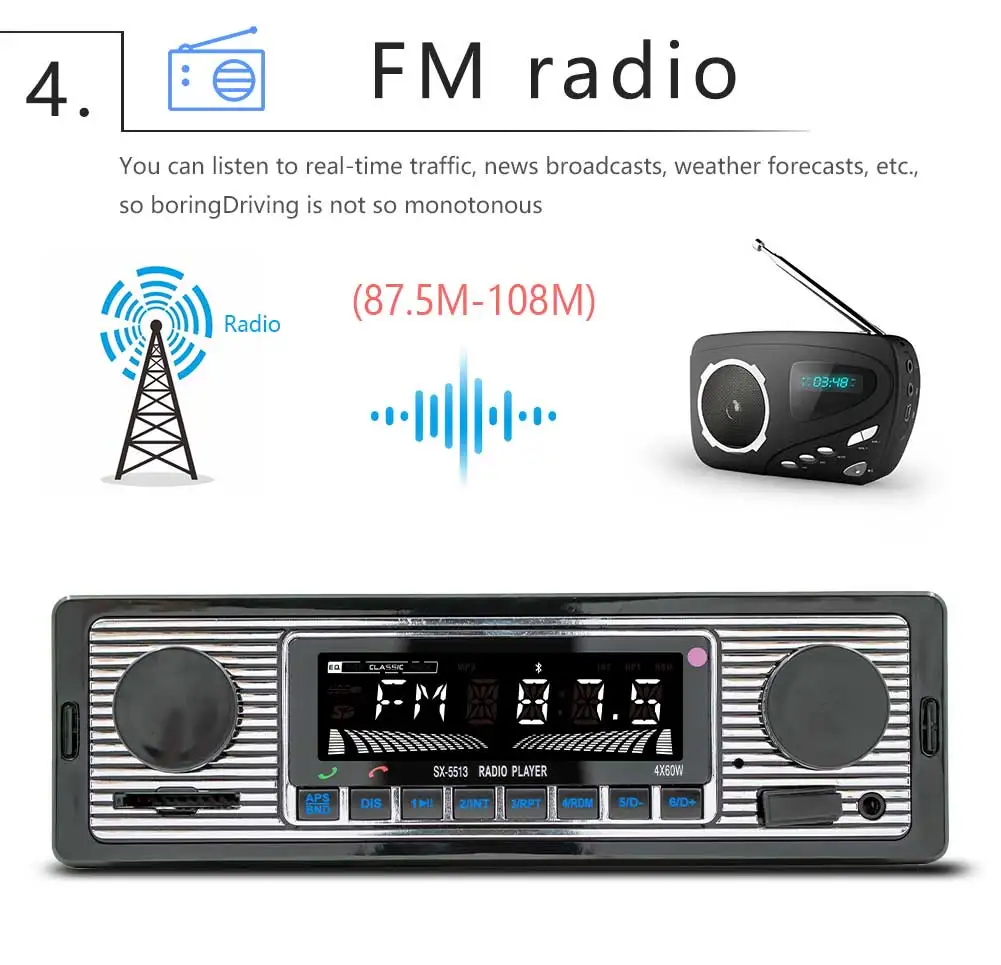
Features:
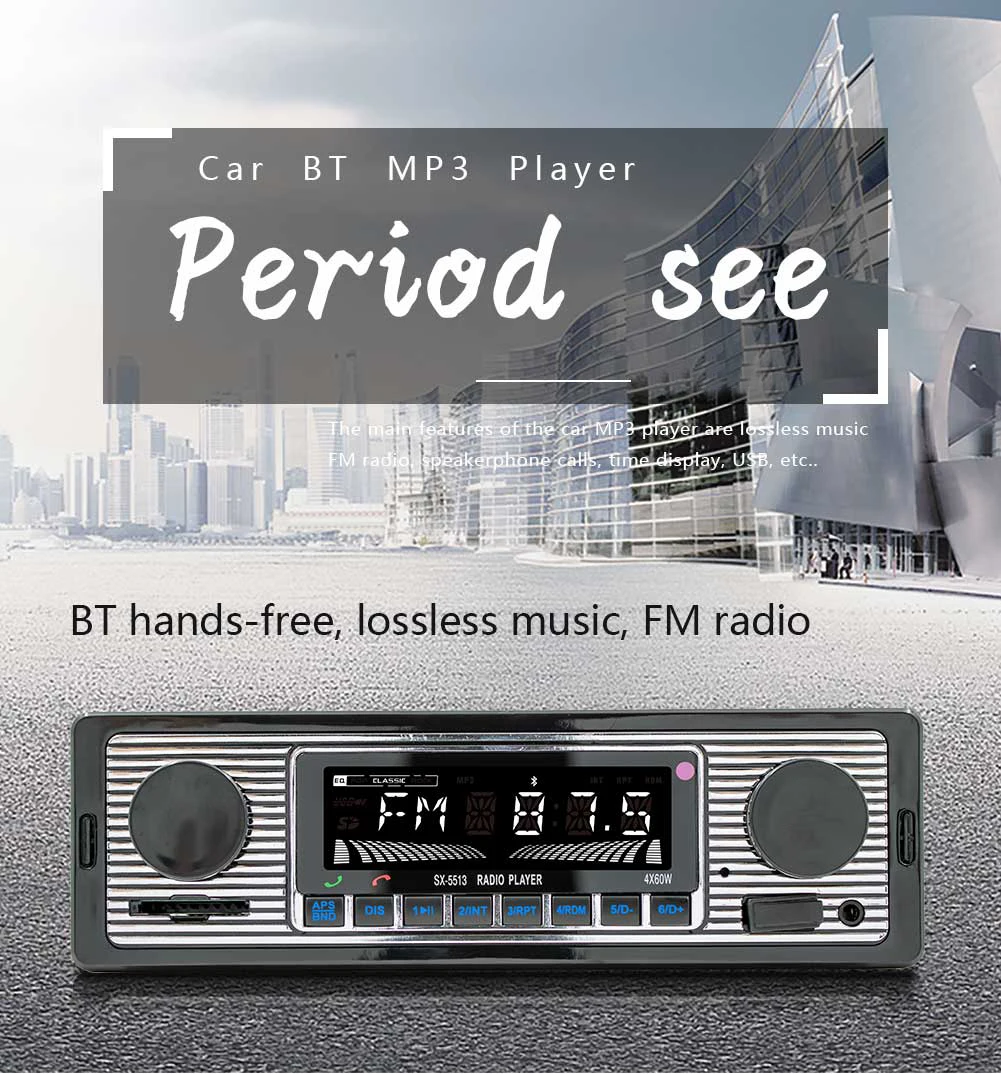
Model SX-5513
Voltage: 12V
Type :ar MP3
Software Solution:900
Screen model LCD_VA
Screen size : LCD
Panel size :88*58mm
Number of units per box 20
Color box size 200*75*110mm (color box)
Full box size 420mm*395mm*240mm
Whole box weight 8.4kg
Main unit depth 60mm
Single machine 446g
Radio band FM
Radio chip QN8035
Power 55W
Working temperature -10~60 degrees
Bluetooth model version 4.0
Power amplifier chip TDA7377
Radio frequency FM 87.5~108MHz
TF card slot SD card
Remote control card remote control
USB interface and version USB2.0 interface
Reset button None
Button physical button
RCA terminal introduction 4-way RCA output (red/white lotus jack)
Front aux audio input Yes
Supported audio formats MP3/WMA/WAV/FLAC
Basic functions
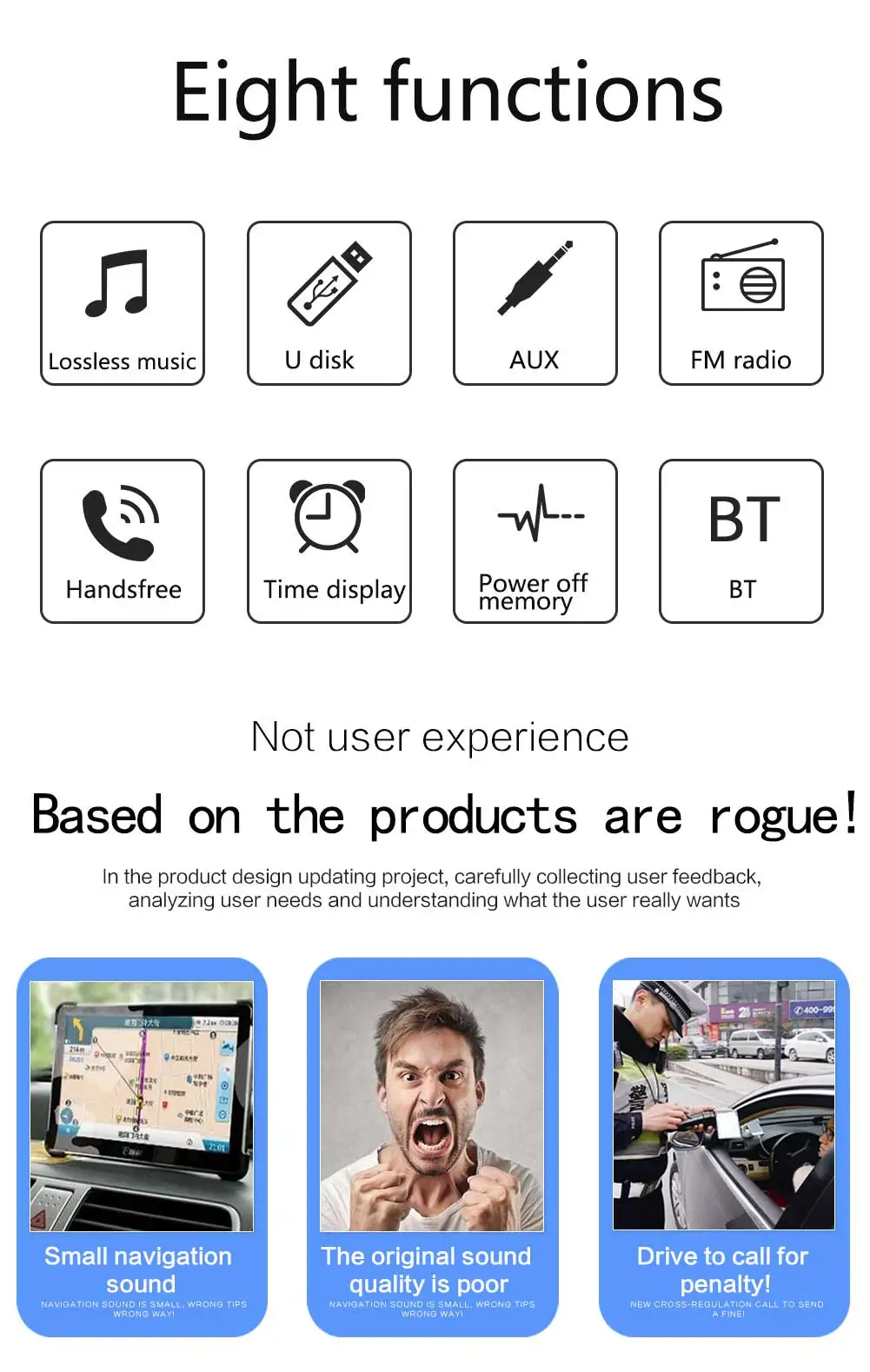
1. Radio (FM)
2. Card reading, U disk reading (audio)
3. AUX function
4. Bluetooth function
5. RCA audio output can be connected to a subwoofer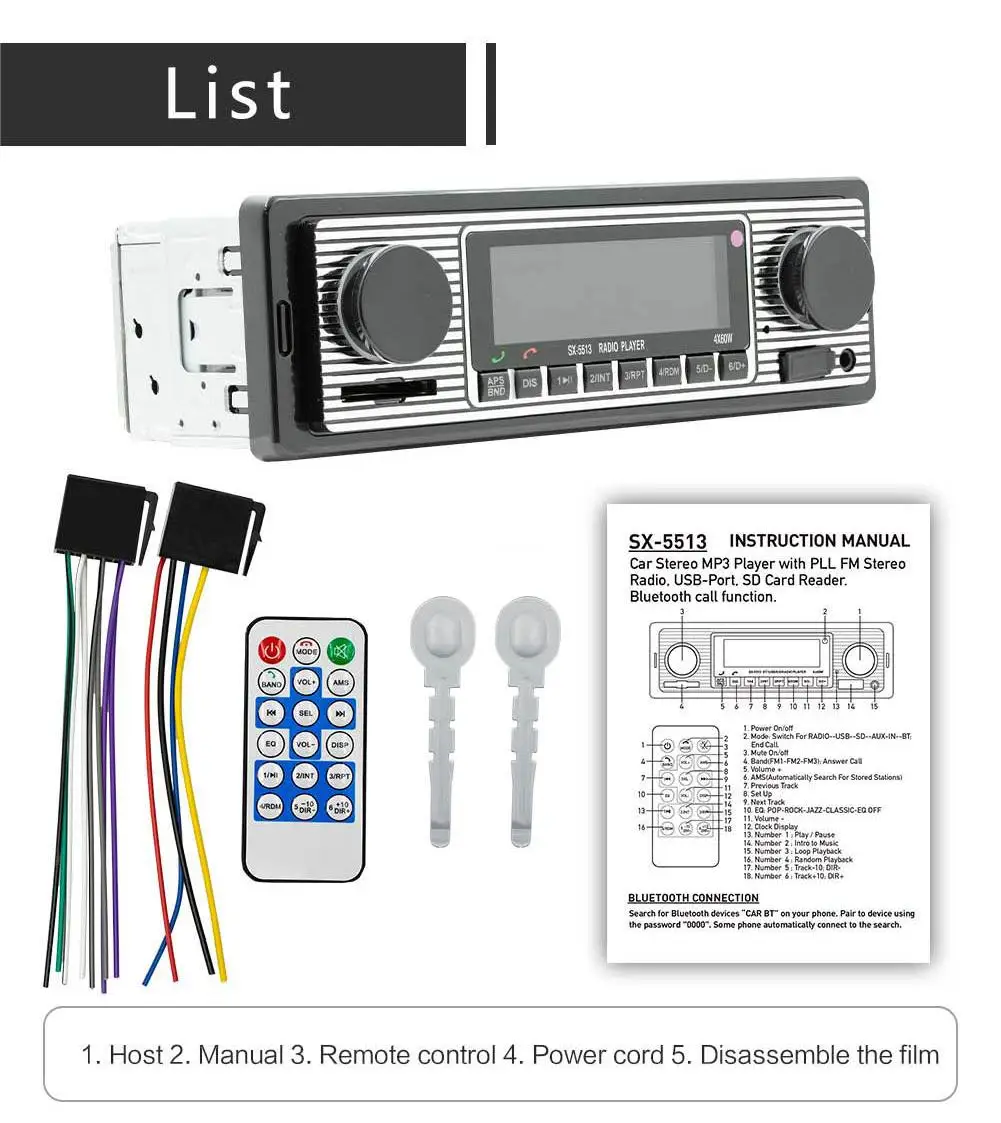
Accessories
1x1main unit
1x2 power cord
1x1remote control
1x1manual
1x2disassembly key
(accessories, instructions, and packaging will be updated from time to time, subject to actual receipt of the goods)
1) Why can not I turn on the car radio?
1. please check Car Radio Voltage: DC 12 V
2. When you test this car radio, you can combine the red and yellow wires and connect them to the positive side of the power supply. the black line to the negative of the power supply.
3. Replace the same type of insurance to test the car radio.
Note: Please use our power cords to connect our car radio, you can not insert the original car plug directly into our machine.
2)Why the car radio will show "No Signal" when we reverse?
Please make sure the camera line is properly connected to the car radio.
Note: The video port on the rear camera should insert the "CAMIN" car radio port.
3)Why is the camera display "!" And "Can not watch video while driving" when I use USB to watch videos?
Please turn off the "Warning" function in the settings, then it will be OK
4)Why not search FM?
1: On the radio antenna inserted;
2: Make sure the radio antenna is plugged in. Please insert more before